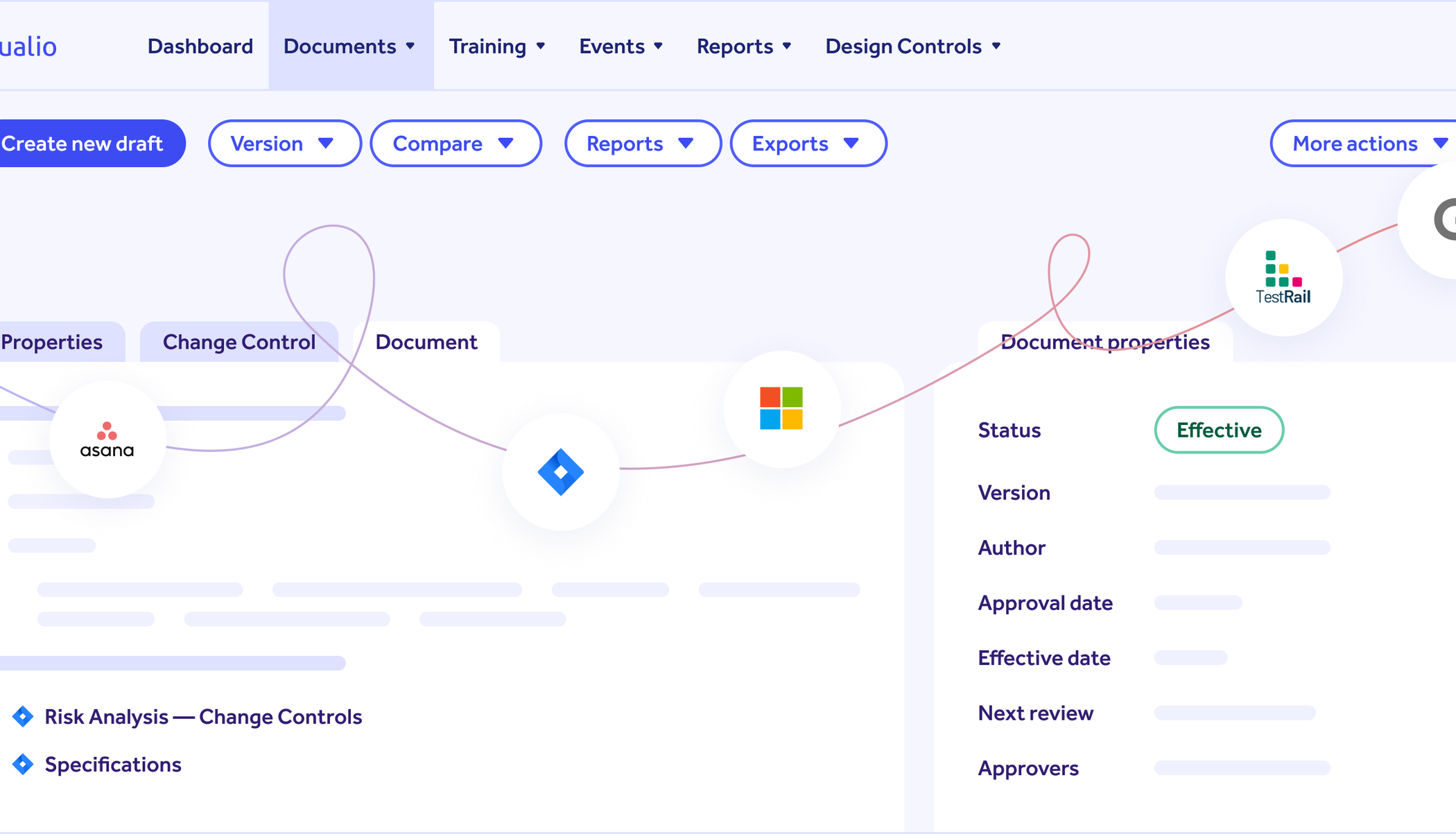
What Qualio reads from TestRail, Xray and Zephyr Scale
Qualio reads the test cases and results from the tool your engineers already use. Each result arrives as passed, failed or blocked, with who ran it and when, and keeps its link to the test case.
TestRail
Test cases with their title, suite, section, references and the steps laid out as a table. The latest result for each test, with who ran it and when.
Xray Cloud
Tests with their steps, Gherkin or plain text, their folder, type and status, plus the Jira summary, labels, components and issue links. Test runs with their status, who executed them, when they finished and the defects raised.
Zephyr Scale
Test cases with their name, key, status, labels, the steps or script laid out as a table and the Jira issues they cover. Executions with their status, who executed them, the comment and the end date.
The Jira issues a test covers become its trace links to the requirements from Jira. When a test case changes after its last run, the gap check shows its result as out of date until a new run clears it.
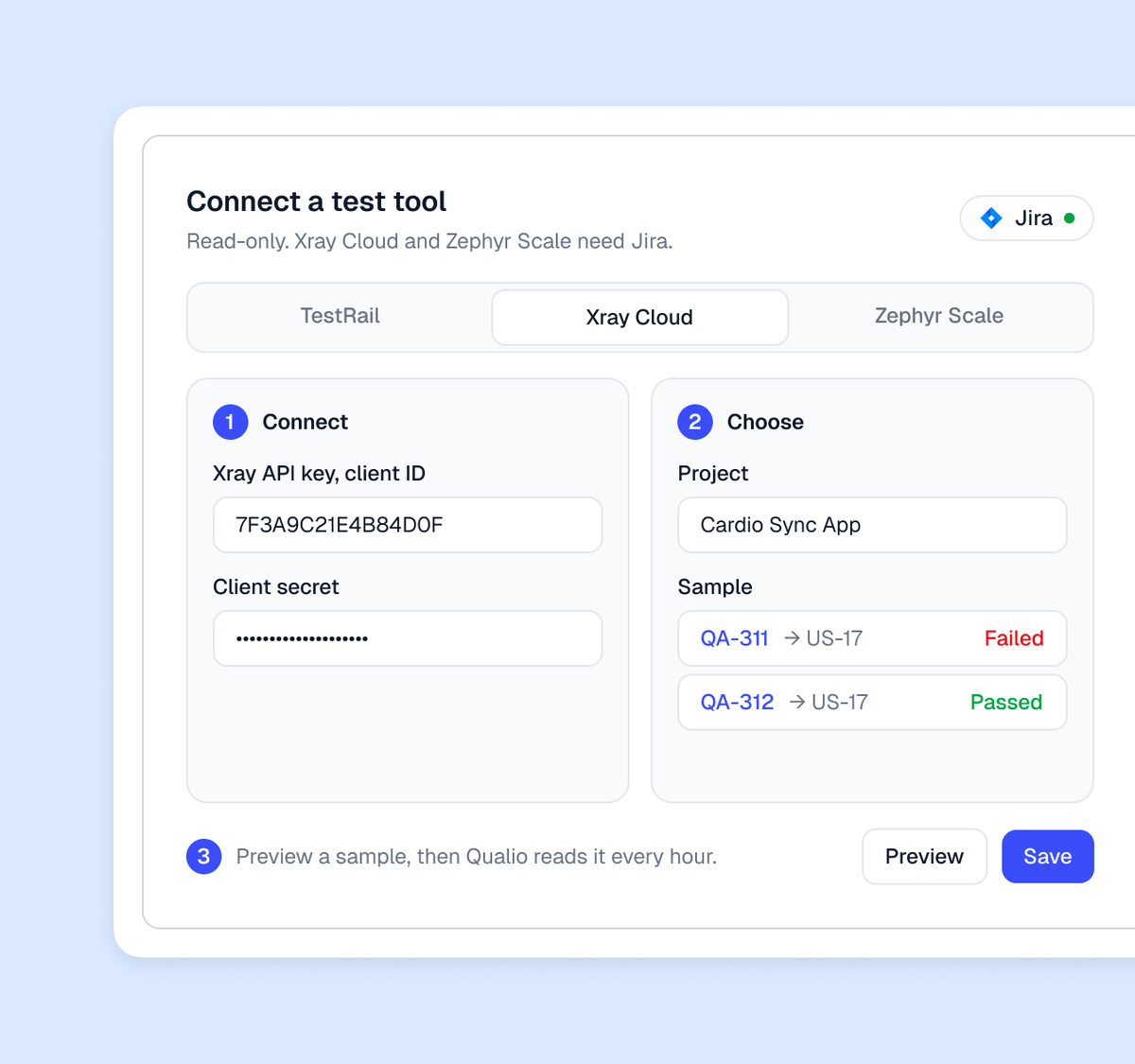
Connect your test tool in three steps
Connect with the key or token below, Xray Cloud and Zephyr Scale once Jira Cloud is connected. Choose the project, and in TestRail the suites and sections. Preview a sample, then Qualio reads it every hour from the moment you save.
What your admin creates:
- TestRail. API access switched on and a user with a password or API key who can see the project
- Xray Cloud. An Xray API key, its client ID and client secret, with the Jira connection already made
- Zephyr Scale. A Zephyr Scale access token, with the Jira connection already made
What the results do once they are in Qualio
The traceability matrix rebuilds itself on every change
Qualio links each result to its test case and each test to the requirement it verifies, and marks a failed, missing or out-of-date result amber before the design review.
Approve the design review and the documentation generates itself
The approvers you name sign the review. On approval Qualio generates the trace matrix, specifications and test plans and exports the package with its change history.
Where it stops
Attachments and evidence files stay in the test tool. Qualio reads the test case and its result from TestRail, Xray and Zephyr and writes nothing back.
When a token expires
When a token expires or is refused, Qualio marks the integration Disconnected, pauses the reads and shows a banner on the Integrations page until someone reconnects it.
A test case deleted in the tool is marked
A test case deleted in the tool is marked deleted in Qualio within about six hours; removing it from the design controls is an approval in Qualio. A deleted result stays, because Qualio does not go back to check that past runs still exist.