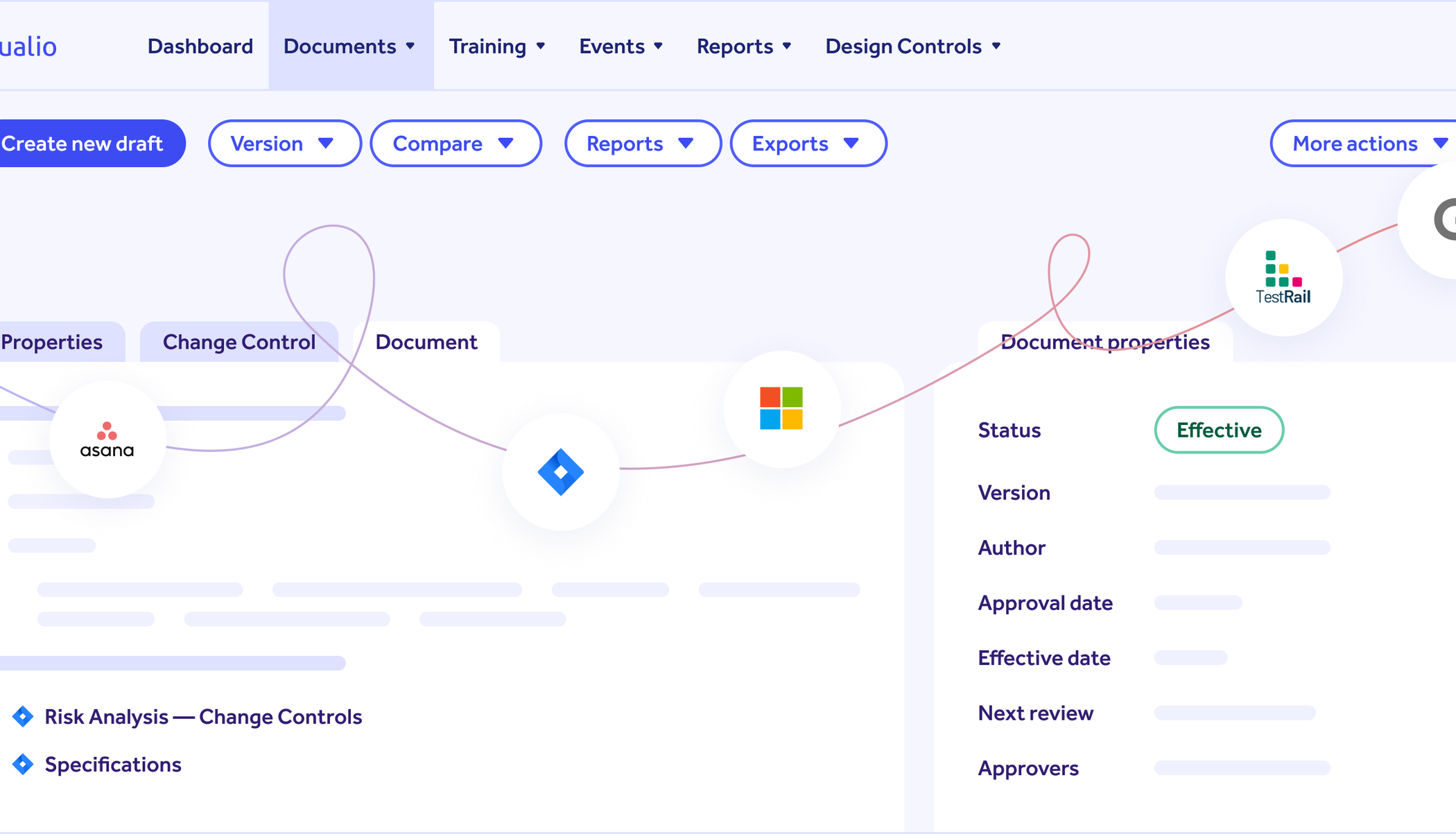
What Qualio reads from Jira
Qualio reads the issues in the project you choose: every standard and custom field, the description as Jira renders it, the issue links, parent and subtasks. Each link becomes a trace link, and each element keeps its issue key and a link back to Jira.
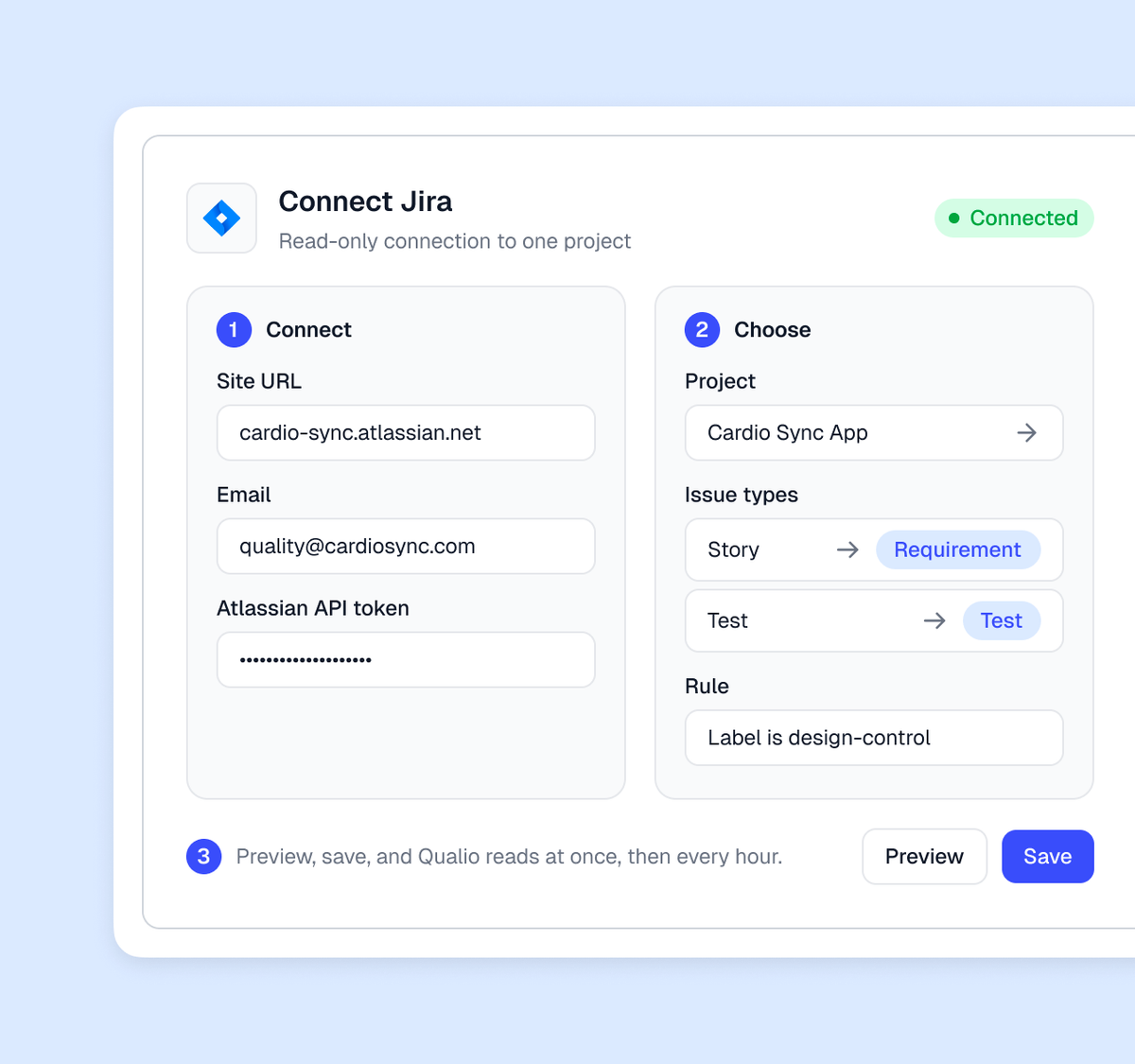
Connect Jira in three steps
- Connect Jira Cloud with your site URL, an email and an Atlassian API token.
- Choose the project, the issue types that are requirements or tests, and a rule for anything narrower.
- Preview, save, and Qualio reads at once, then every hour.
What you get
The traceability matrix rebuilds itself on every change
Qualio links each test to its requirement and each risk to the element it controls. Before the review, an amber mark shows any requirement with no test.
Your engineers stay in Jira, and the design controls keep up
Each change to a ticket reaches its element on the next read. The element carries Qualio's own control status, and shows the Jira status beside it only if you map it as a field.
Approve the design review and the documentation generates itself
Approvers sign electronically. On approval Qualio generates the trace matrix, risk file, specifications and test plans, then exports them with test evidence and change history.
A bug or a service desk ticket becomes a quality event
Connect your Jira Service Management or bug project, with a rule on issue type, status or a label. Qualio raises each matching ticket as a complaint or nonconformance, with the ticket linked. Engineering keeps the bug and quality gets the event.
Where it stops
Comments and attachments stay in Jira. Qualio reads the issue, not the conversation around it. It writes nothing to Jira.
If the token expires
If the token expires, Qualio marks the connection Disconnected at once and pauses reads, with a banner on the Integrations page until you reconnect.
Delete an issue
Delete an issue and its element is marked deleted within about six hours; removing it from the design controls is an approval in Qualio.